

RPM · Logger · Geology
Drill Tuning
RPM calculator, logger, geology notes, quick reference and troubleshooting for dialing in a drill.
Round planning, drill tuning, shotcrete and bolting calculators, print scaling, drill specs and your shift rotation, in one phone app built by a miner for underground crews. It works with no signal, and drill plans export straight to Sandvik .dp or Epiroc .xml.
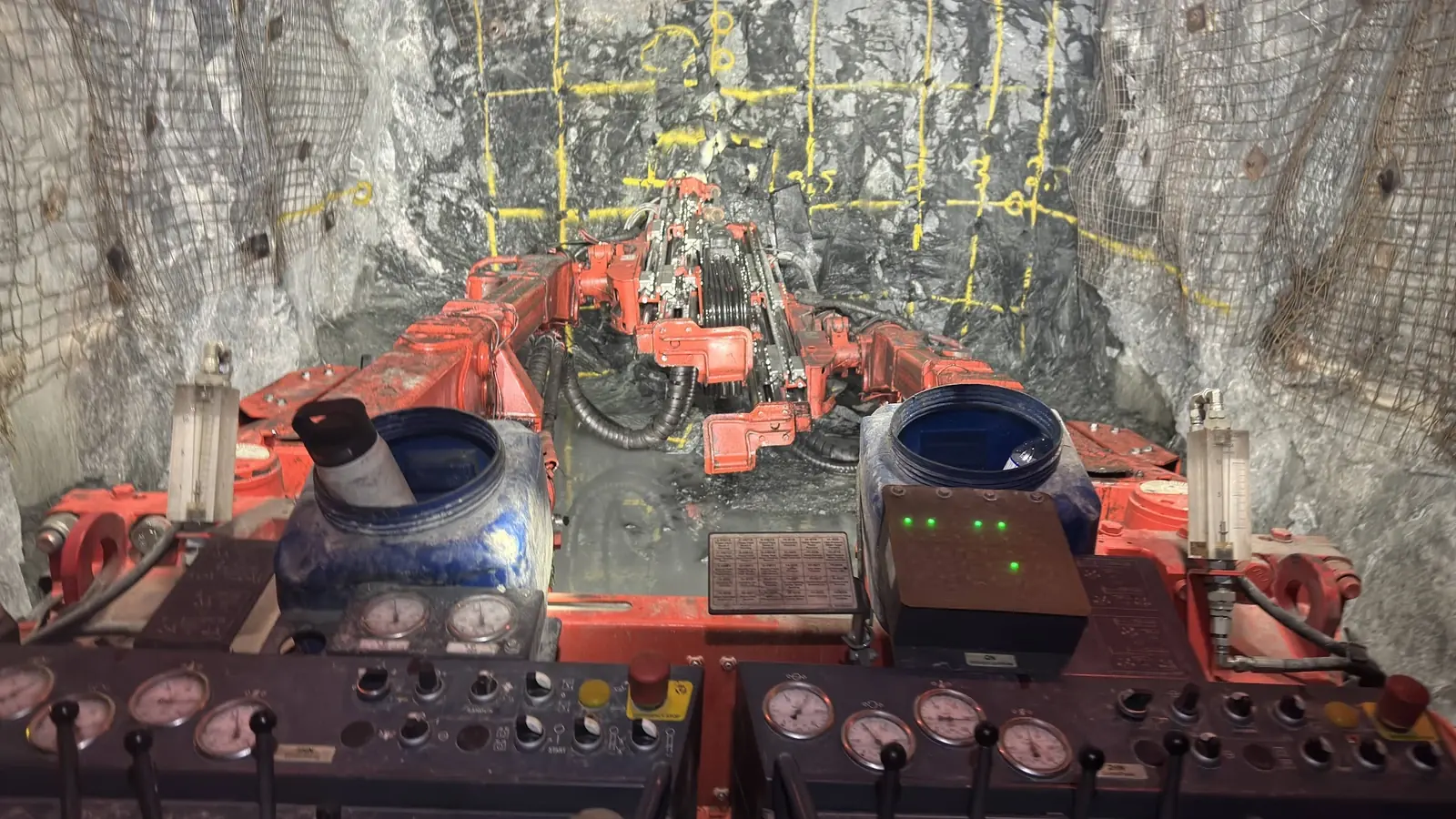
Grid mode lays the round on the same lines the crew paints on the face. Inner lifters sit on the lines, and only the outer lifter angles in to the wall.
Engineering software builds a drill plan from scratch. Round Planner is for the next step: taking the plan you already have and adjusting it for the face in front of you.
Load a Sandvik .dp or an Epiroc .xml. The format is read from the file itself, and a summary shows exactly what came in.
Resize the round, move the cut, change the drift shape or drop the lifters for road material. One Undo puts it back.
Save to Sandvik .dp or Epiroc .xml under the plan's own file name. Every hole keeps its own bit size.
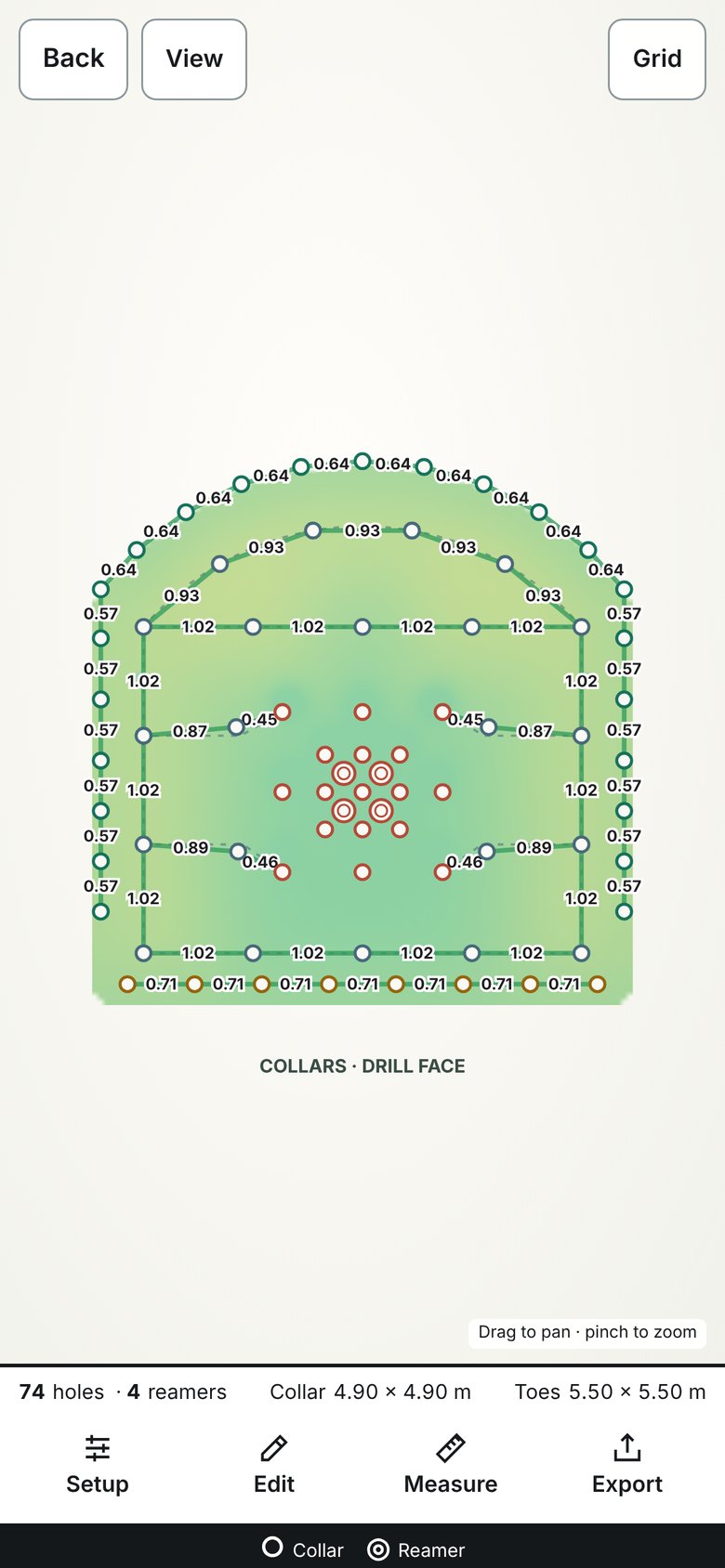
Turn on the heatmap and the face is shaded by toe spacing, checked against the burden for each row. Every gap between neighbouring holes is labelled in metres, so a wide span or a crowded pair shows up on the phone instead of in the muck pile.
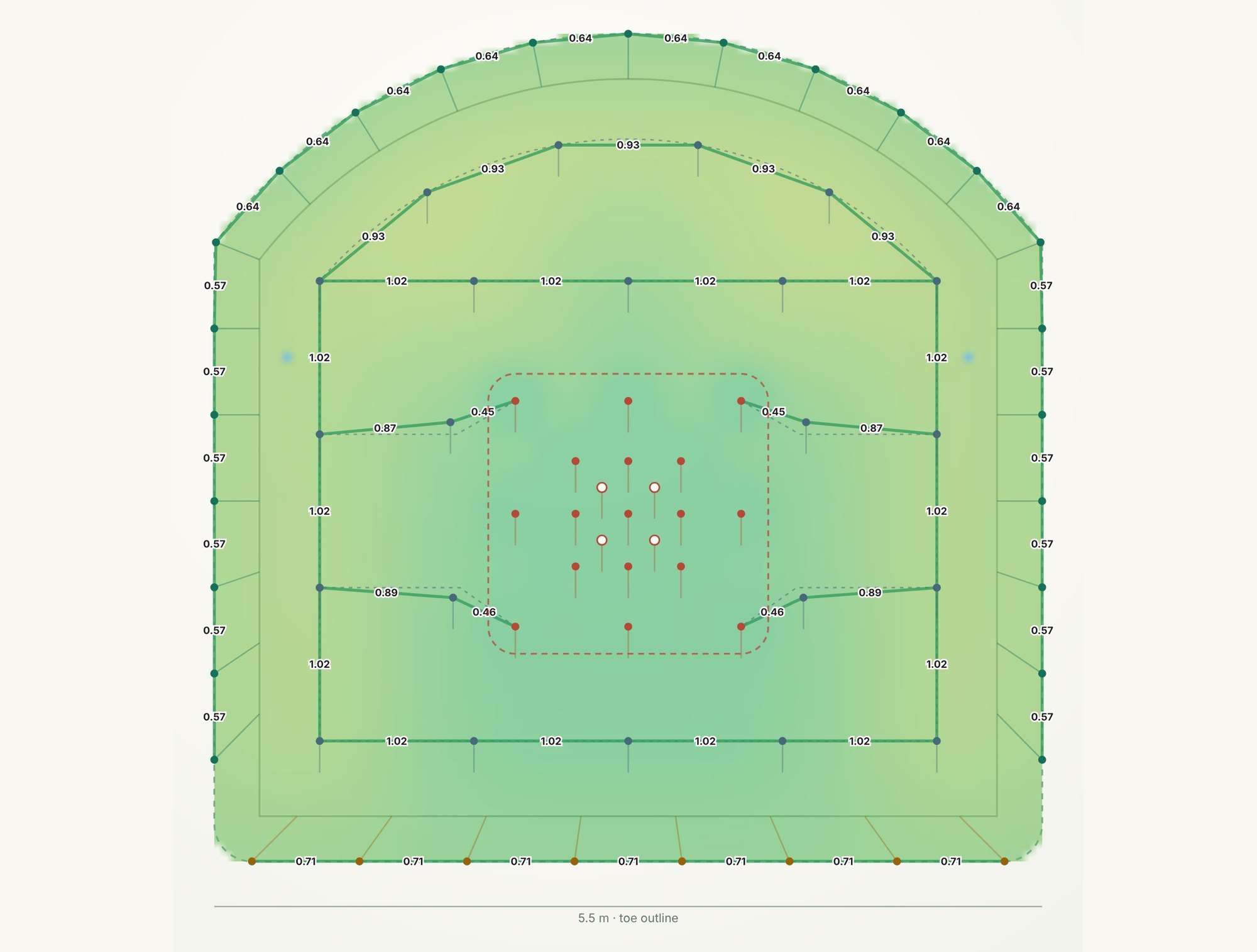
Pick the shape and Round Planner lays the contour, aid row, grid and lifters to match. Each profile below is drawn from the app's own starting values for a 5.5 m drift.
Straight walls with an arched back. The standard drift.
Straight walls and a flat back.
Flat back sloping from a high wall to a low wall.
Straight walls under a semicircular arch.
Arch with lower walls curving in to a narrower floor.
Circle with a short flat floor.
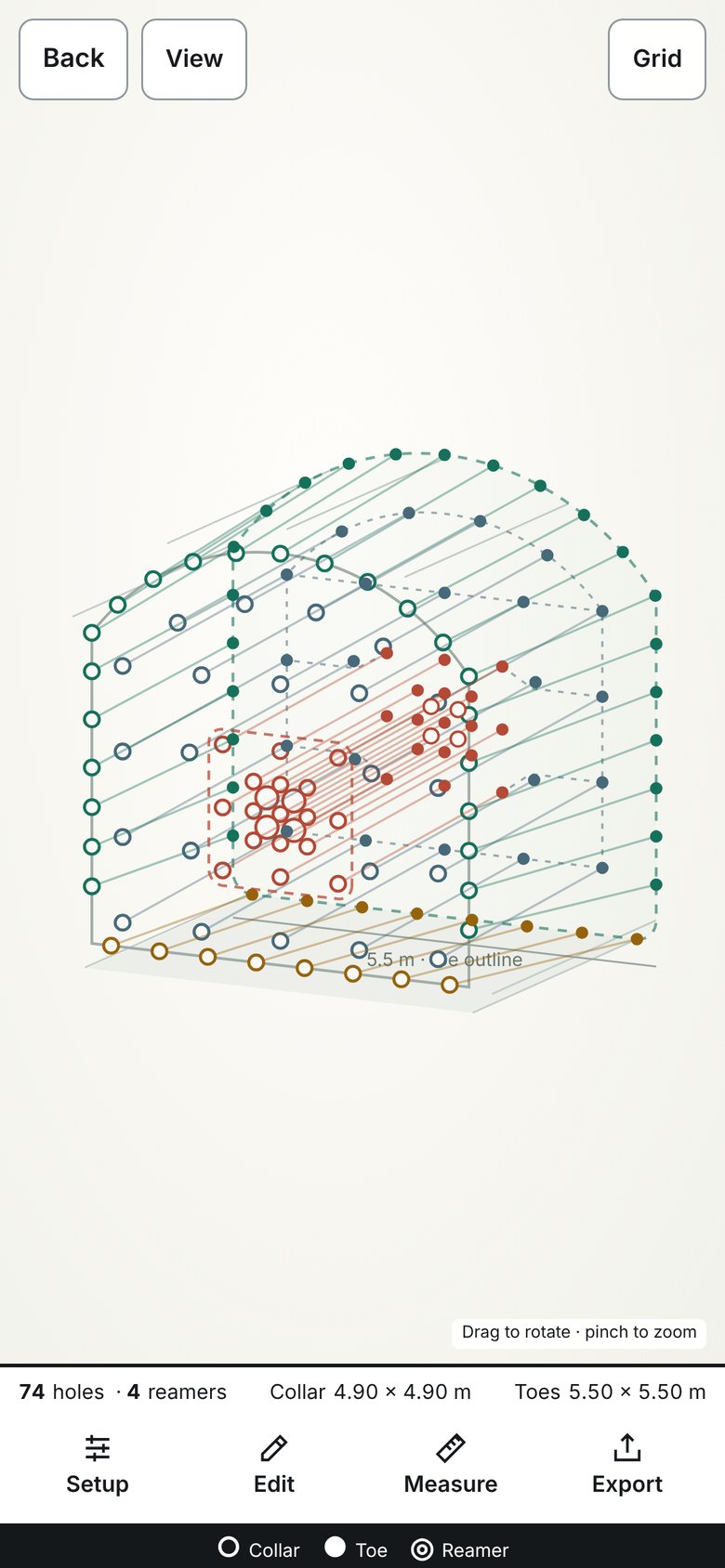
Every hole from collar to toe in 3D. Turn the round, check the angles, then switch to the face or toe view.
The drill face shaded by spacing, with every hole-to-hole gap labelled in metres. A wide span or a crowded pair stands out before you drill.
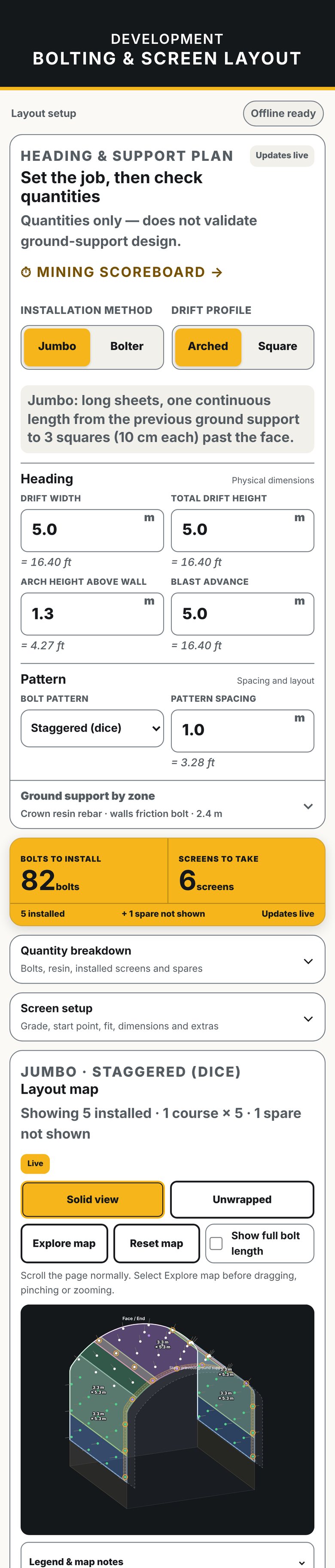
Set the drift, the pattern and the support for each zone. It counts the bolts, resin and screens, then lays the screens out on a 2.5D map of the heading.
Set the bit, the depth and the mixer, then read dry grout, water and bags per hole. Loaded batch, plan holes and ring modes, with a pot timer.
Pick the rig, the rock drill, the bit and the ground. It gives a field baseline RPM to start tuning from and checks it against the rotation motor ceiling.
Round Planner is one tool of many. The rest follow the app's own menus: drilling, development, prints and life on shift.
RPM calculator, logger, geology notes, quick reference and troubleshooting for dialing in a drill.
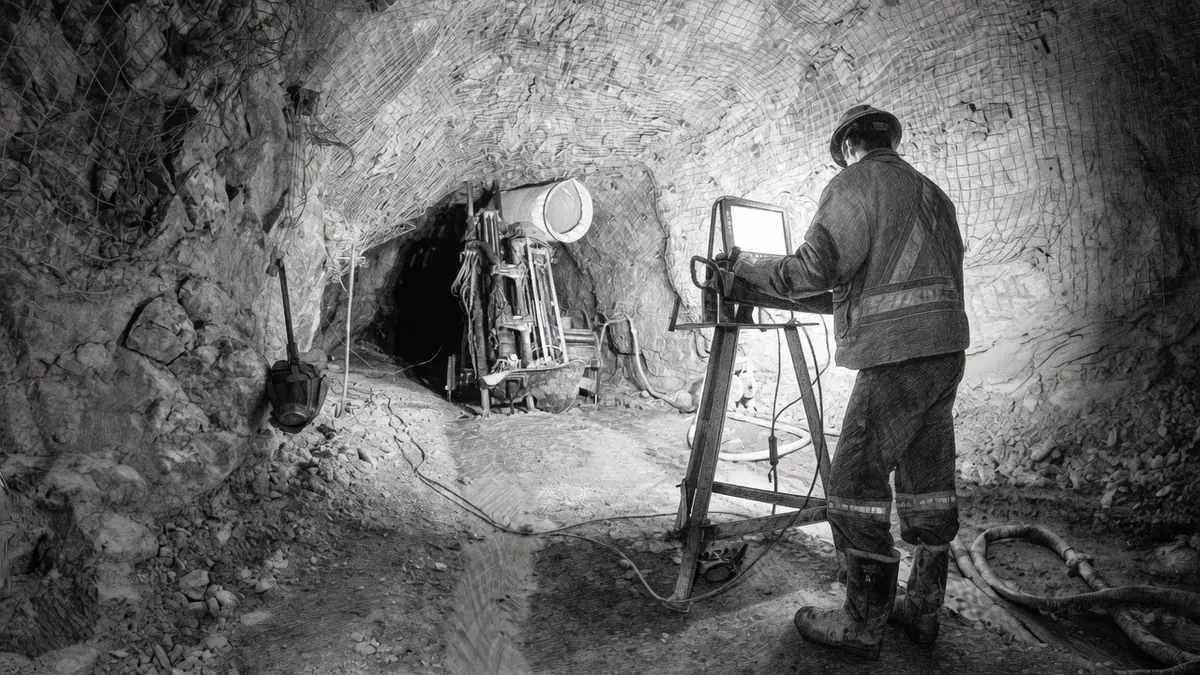
Plan and actual toe positions for a heading, side by side.
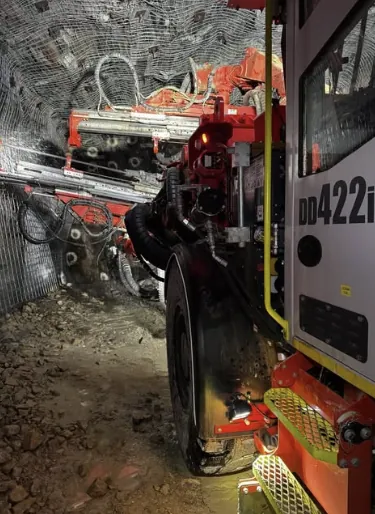
Specifications for jumbos, bolters and long-hole rigs.
A rod count cheat sheet for the drill.
Calculators for development drilling.
Shotcrete volumes for drift development and shaft sinking, plus accelerator dosage and mixing.
Grout and full-encapsulation calculators for ground support.
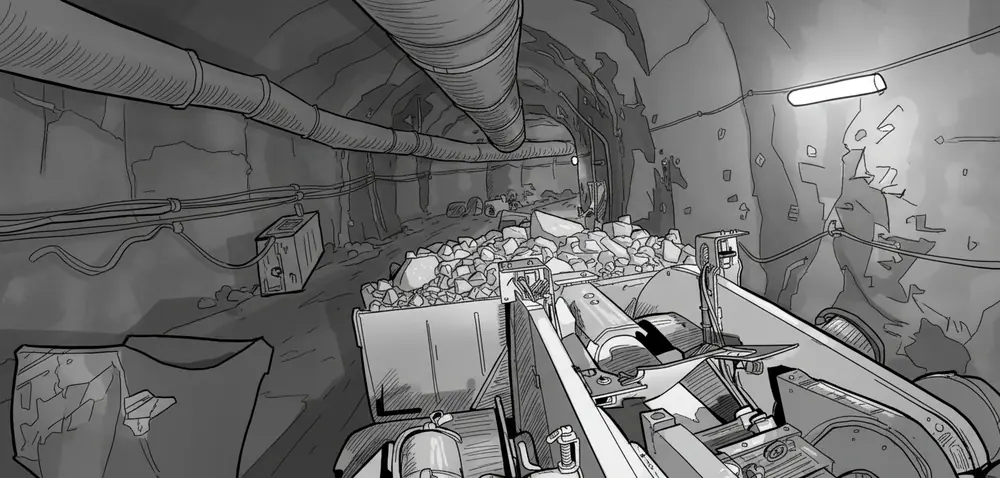
Calculators for mucking out the round.
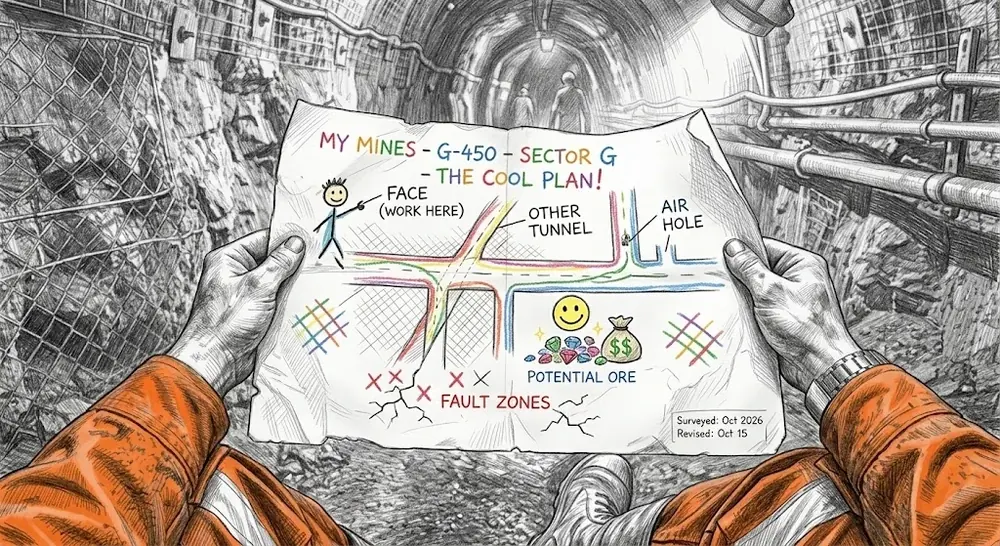
Read the scale off a mine print, then lay out the next rounds on it from your burden.
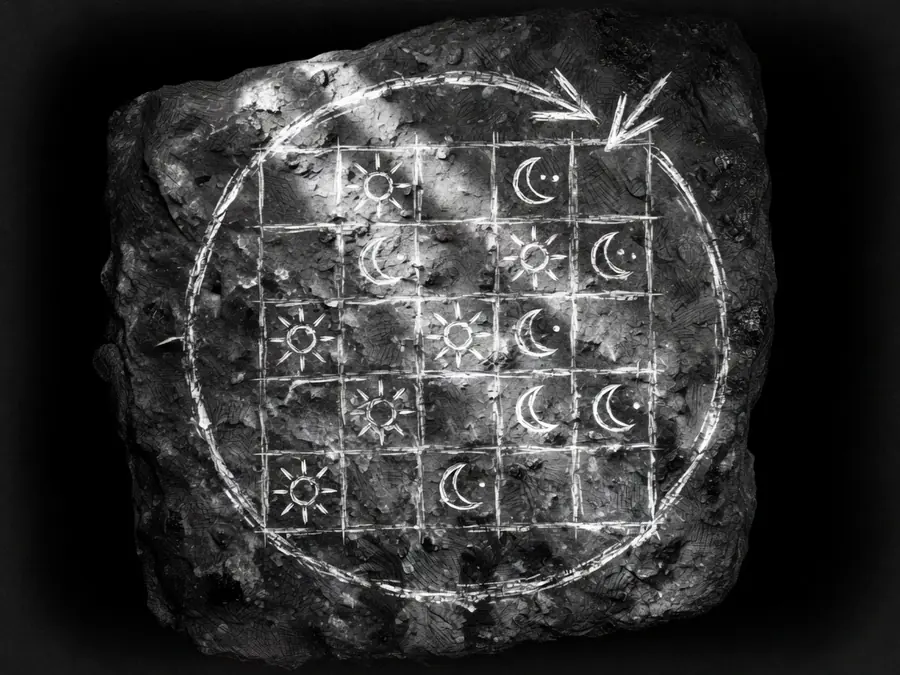
Your rotation on a calendar, stat holidays included.
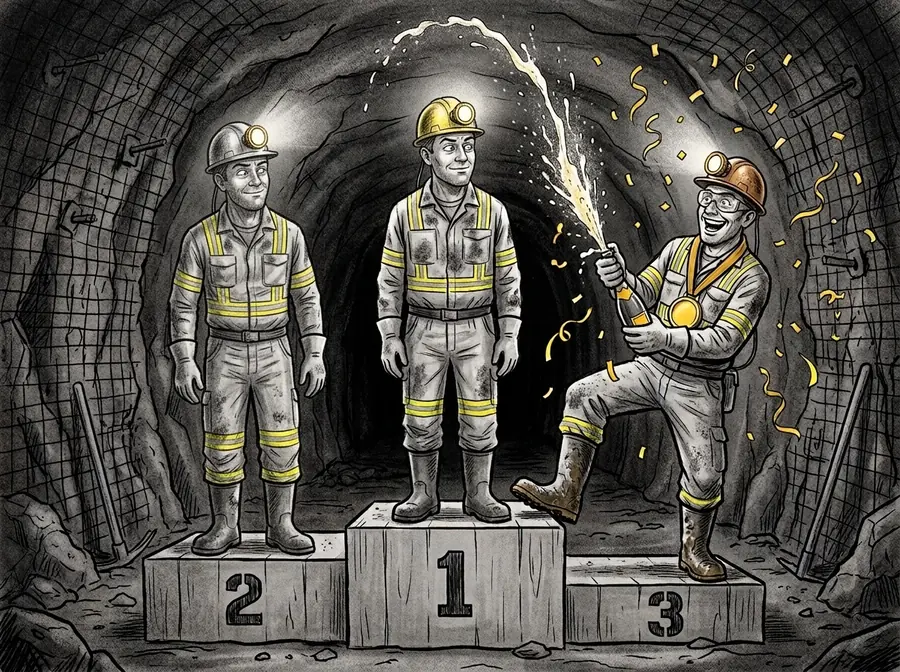
A scoreboard for the mining cycle.
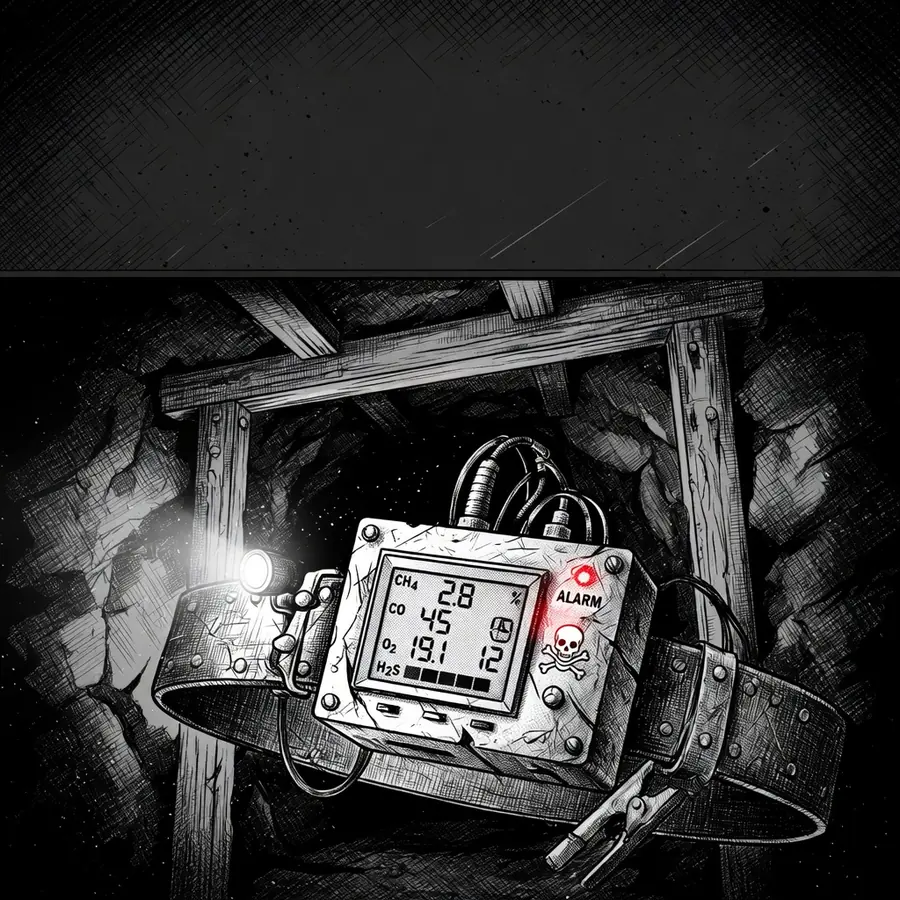
A field guide to the gases you meet underground.
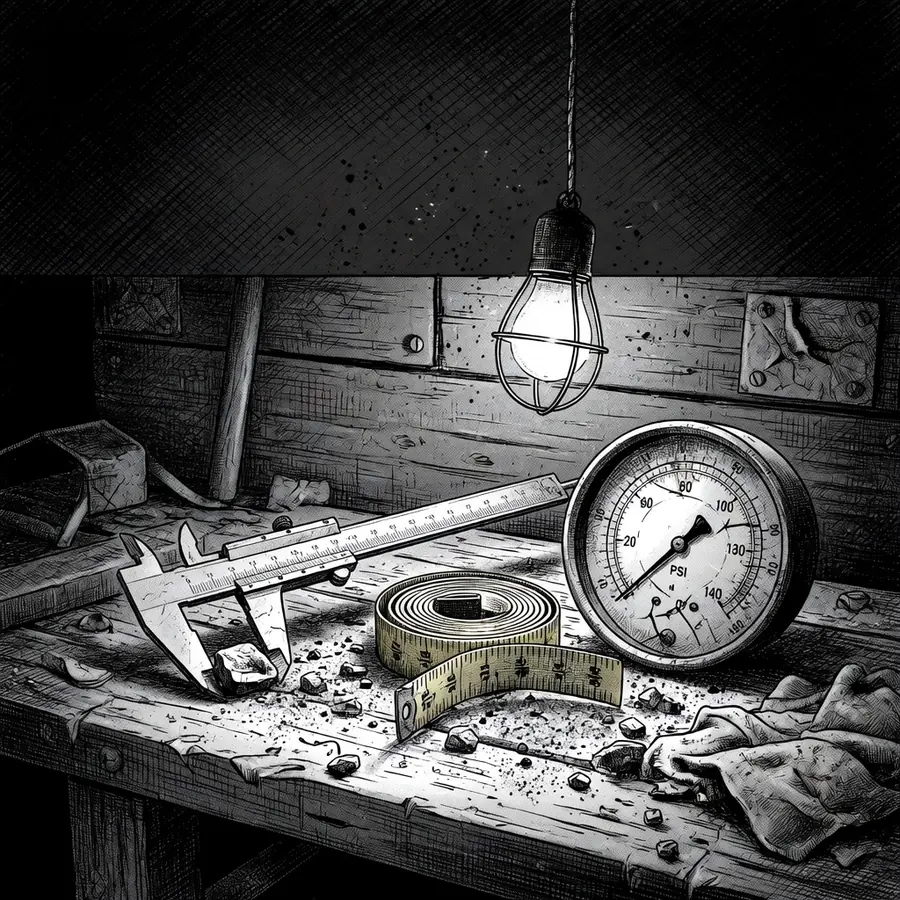
Metric and imperial, side by side.
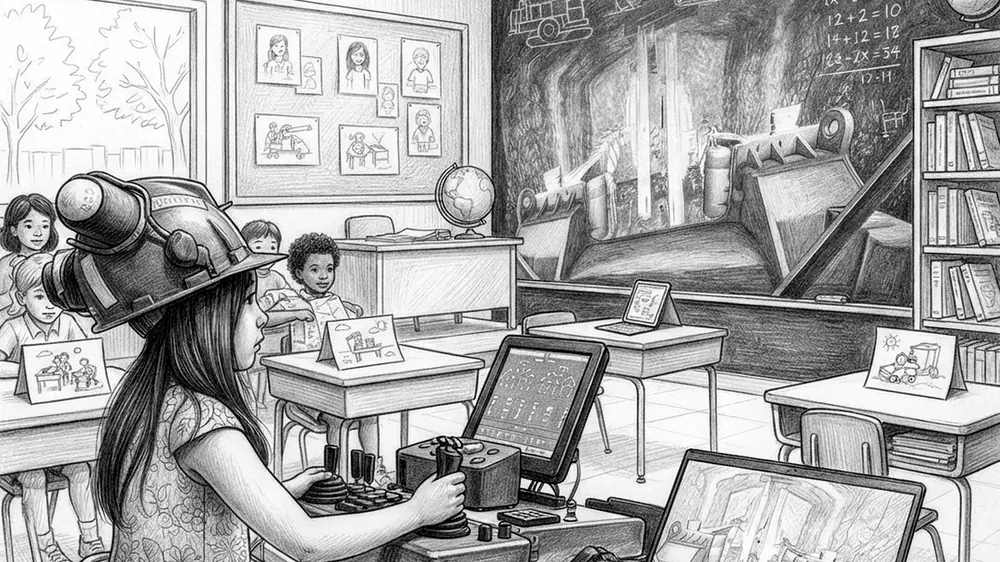
Training and simulator videos in one place.
Made by an underground miner, for the work at the face. Every tool runs on the phone with no signal, and every number carries its unit.
of cell signal needed. Everything runs on the phone.
Arched, flat, shanty, D, horseshoe and circular.
Light, dark and manufacturer-inspired palettes.
English, Français and Español, throughout.
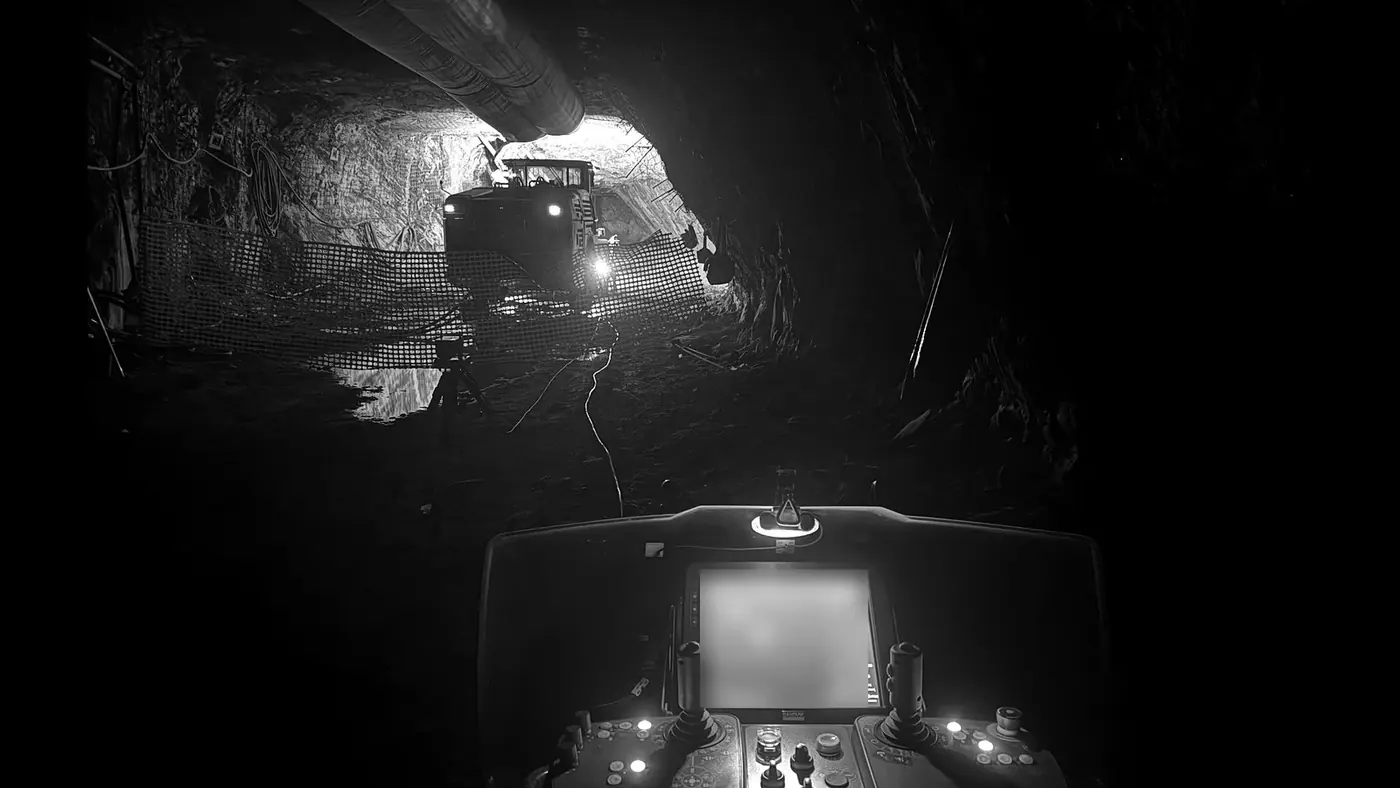
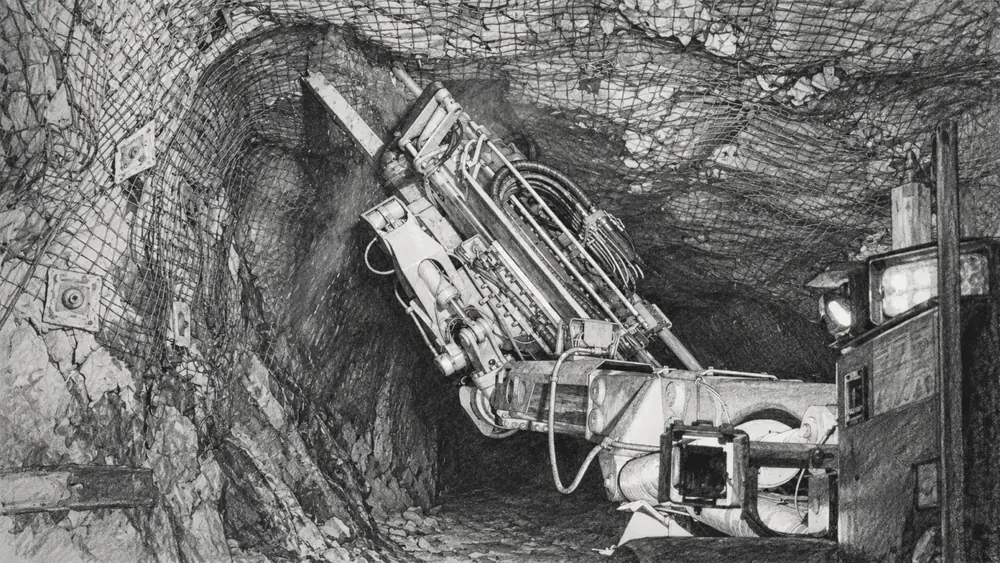
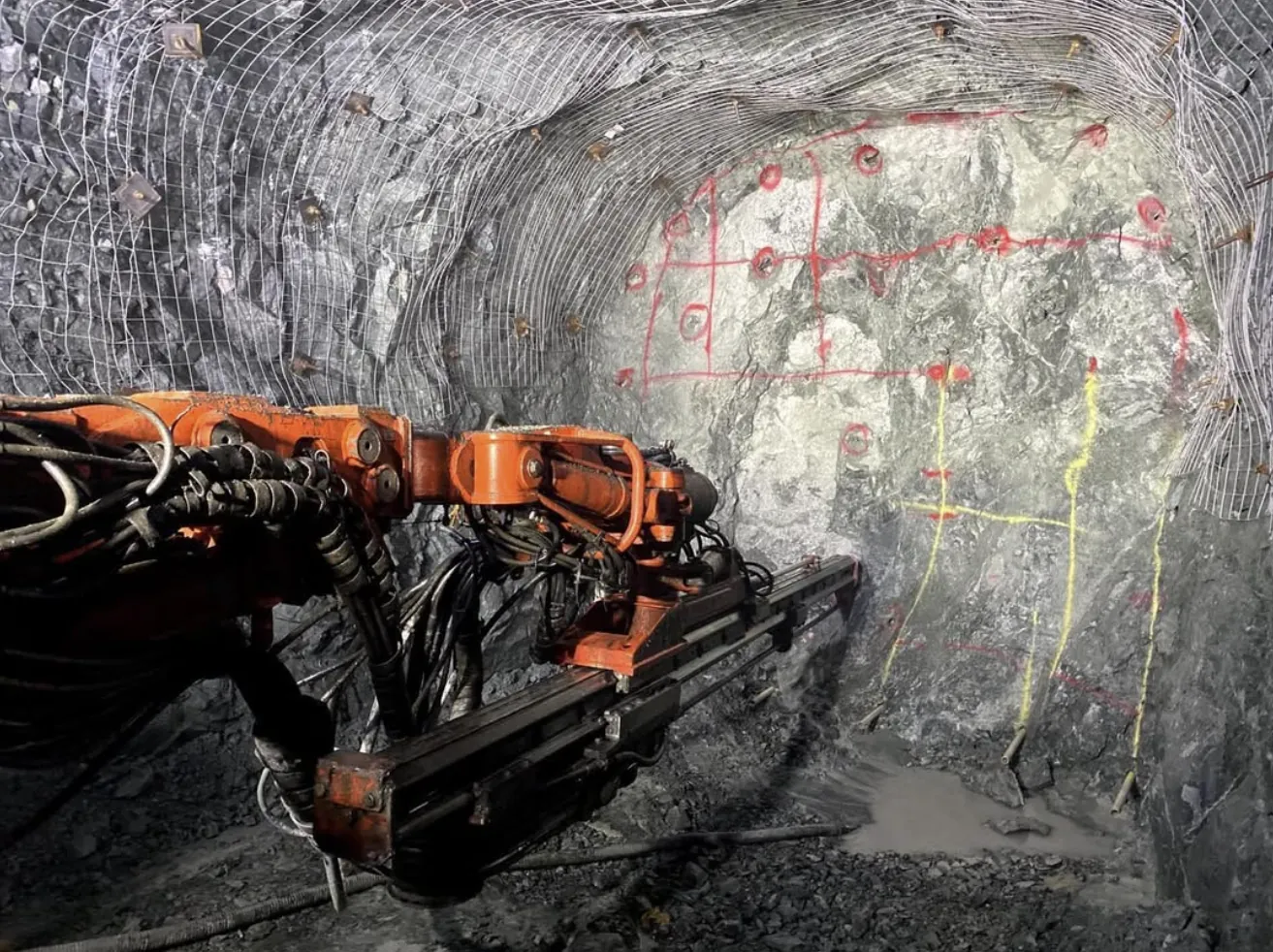
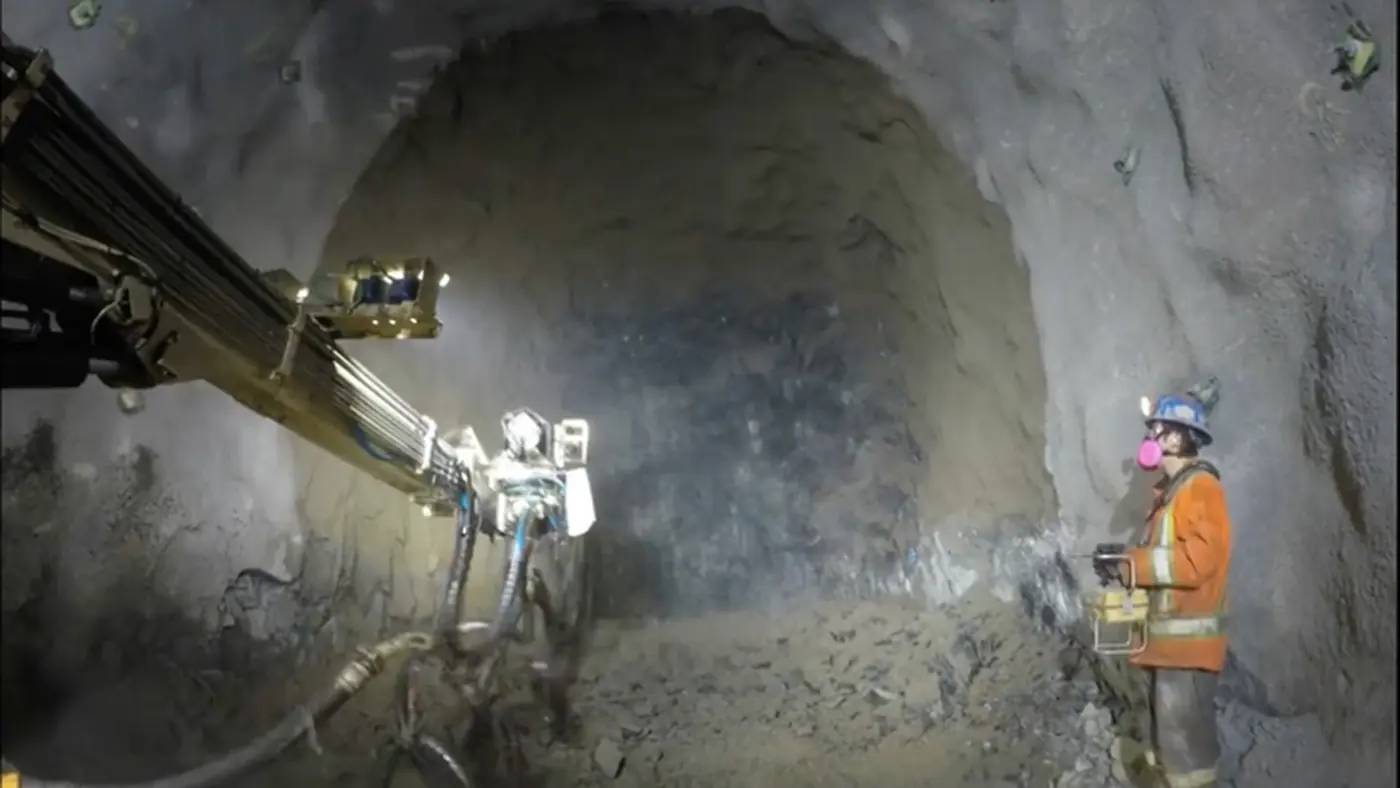
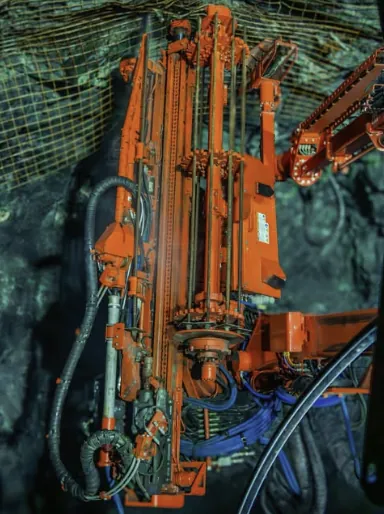
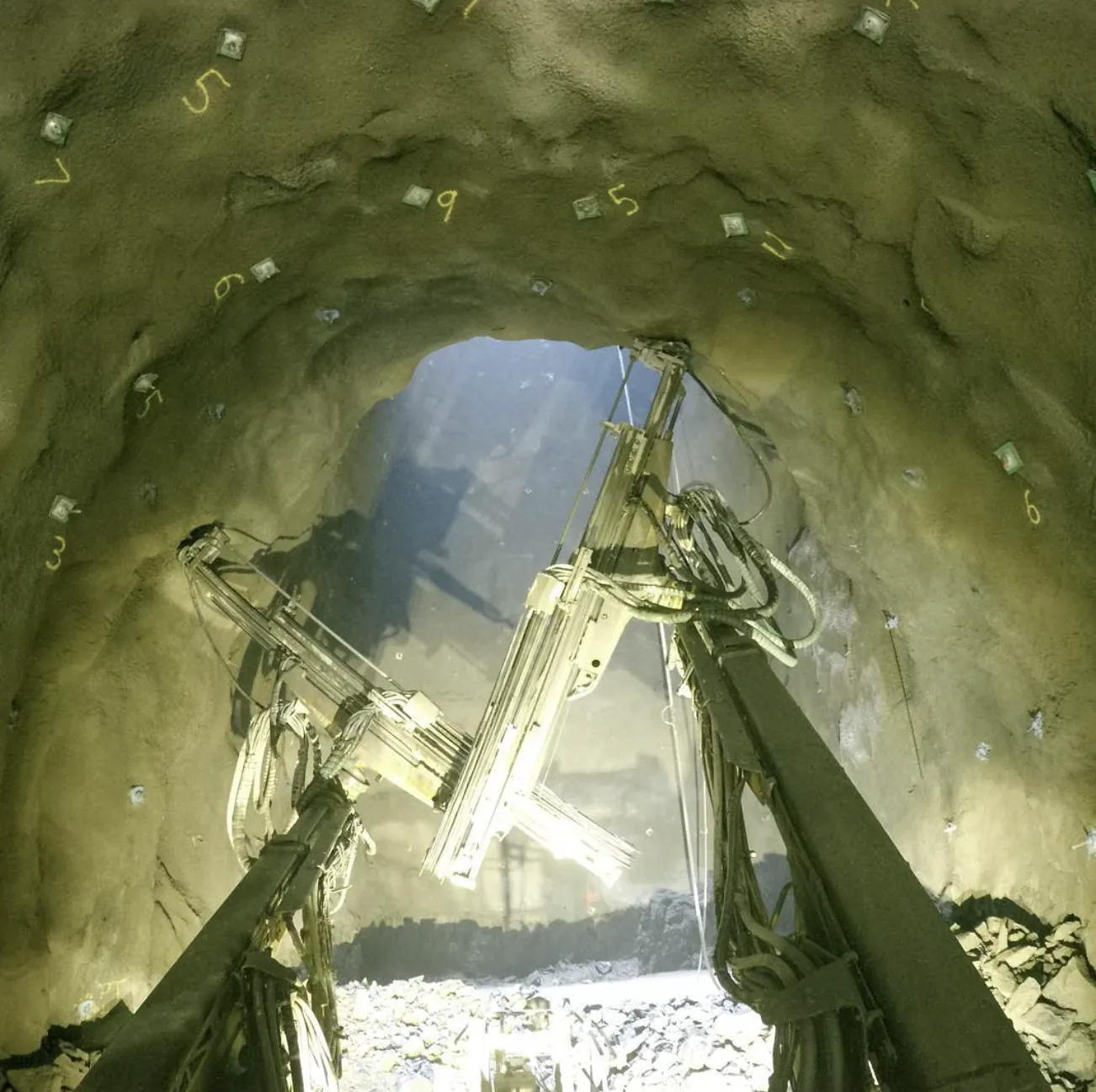
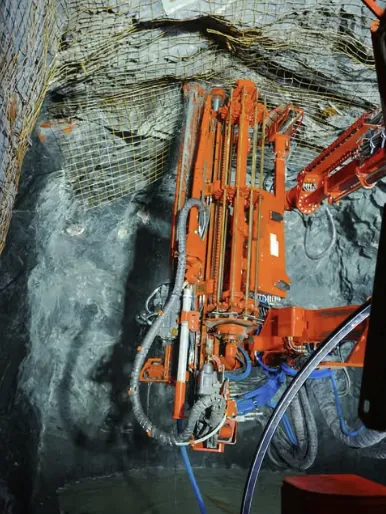
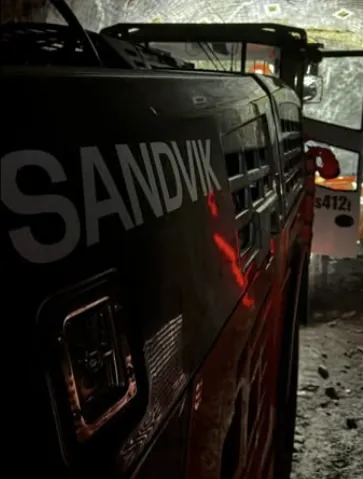
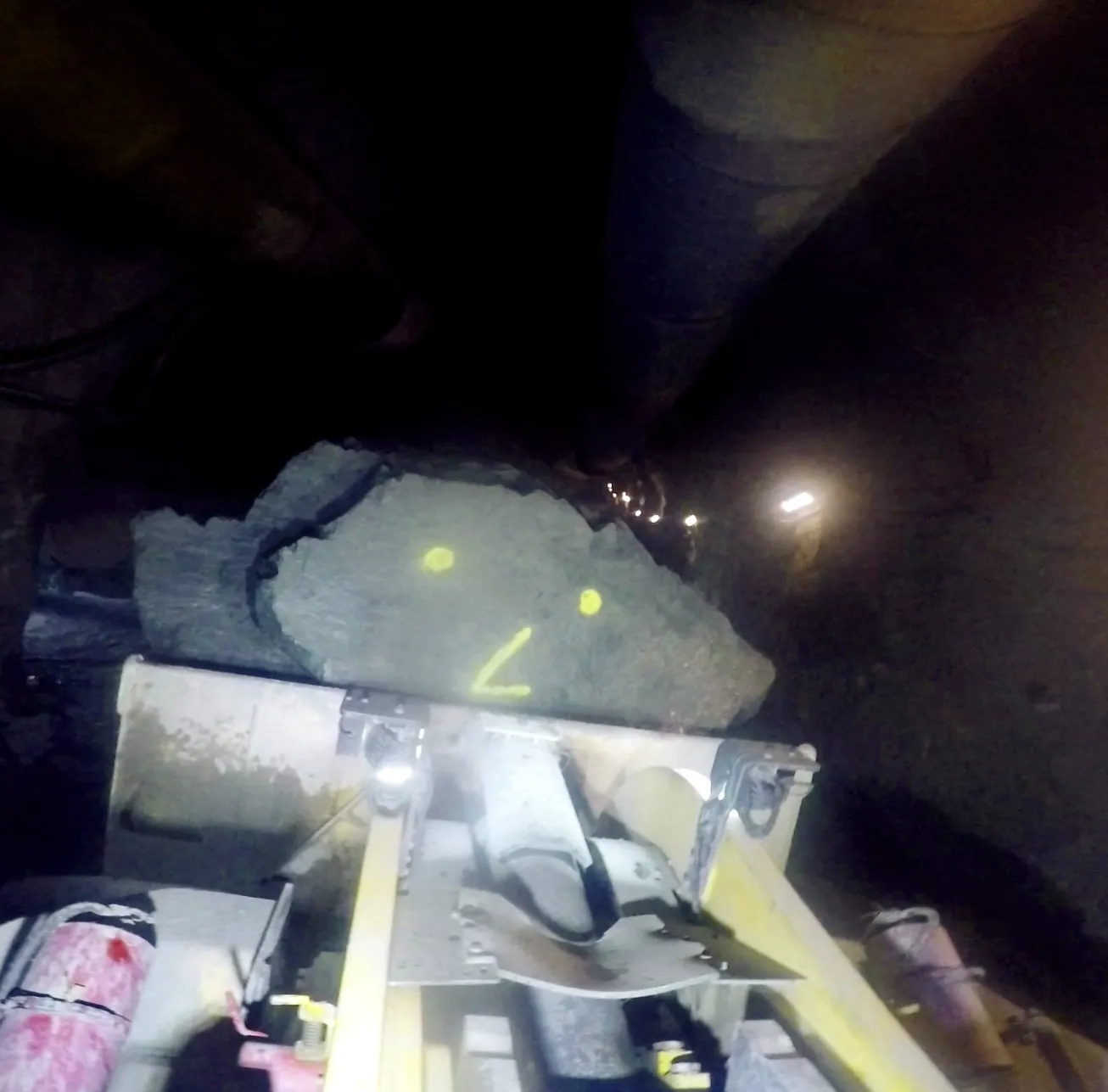
Every photo here was taken on the job by Jory Dion, the miner who builds Mining Toolkit.
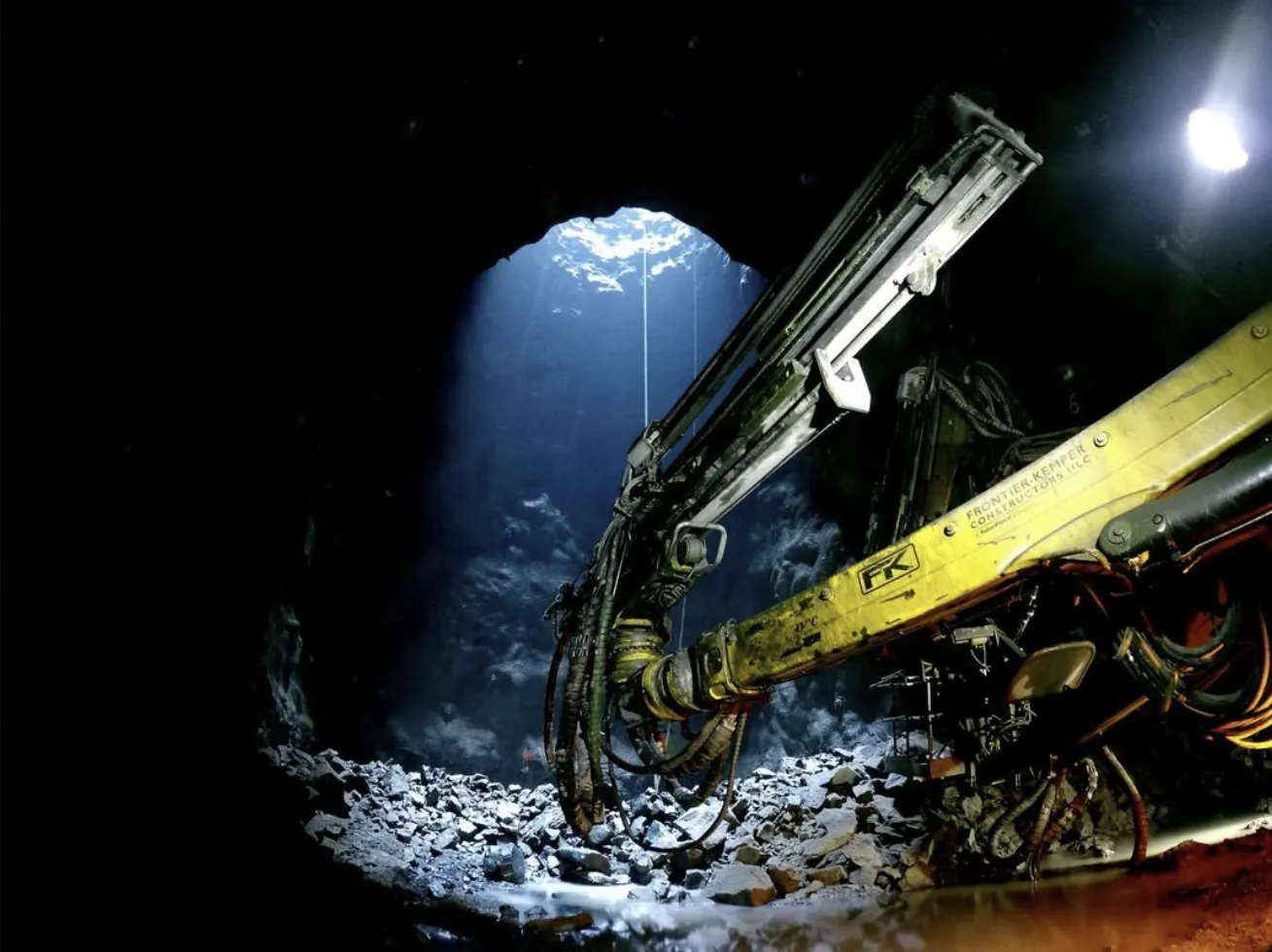
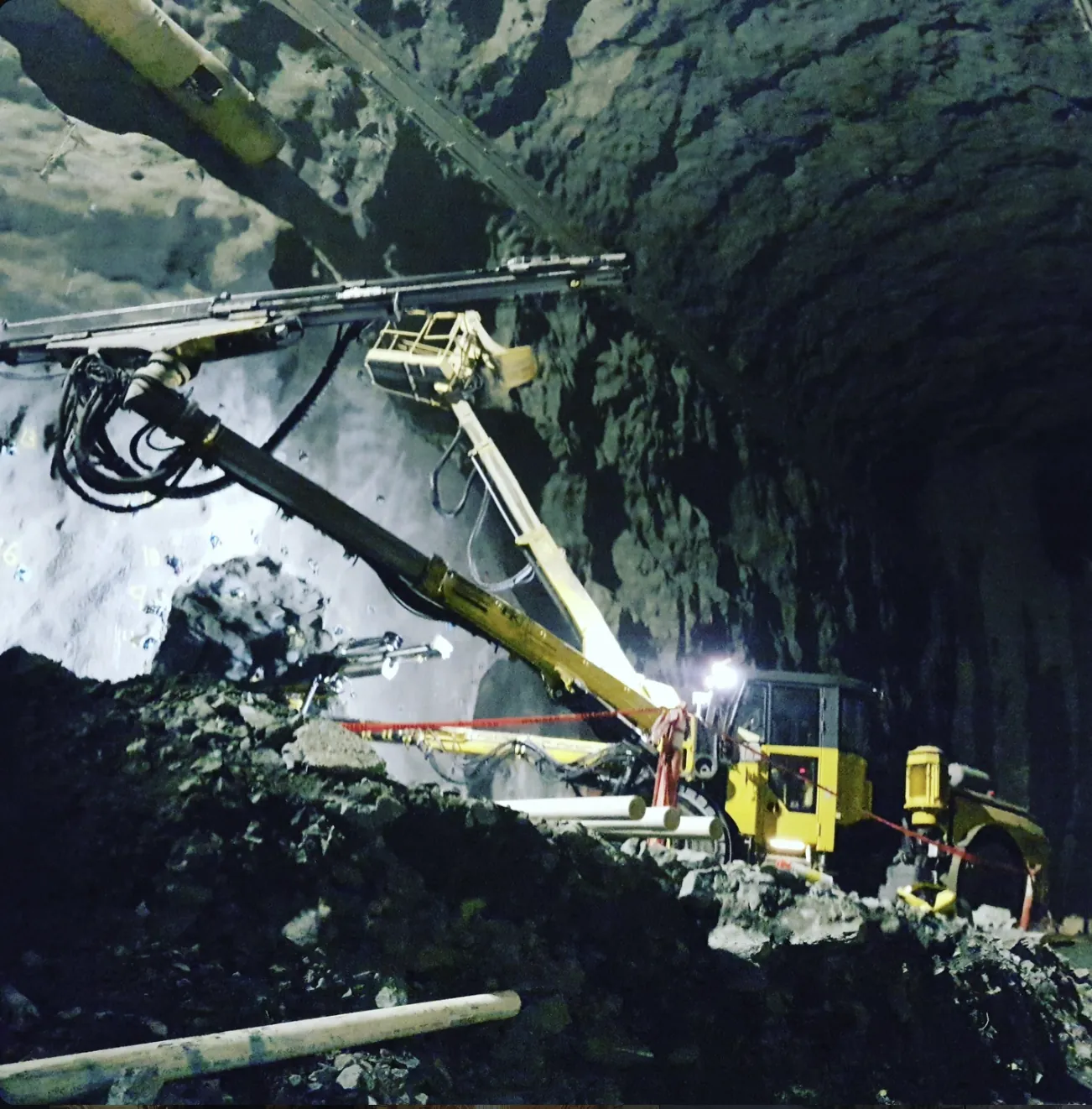
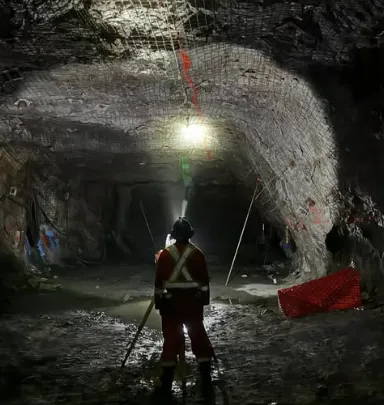
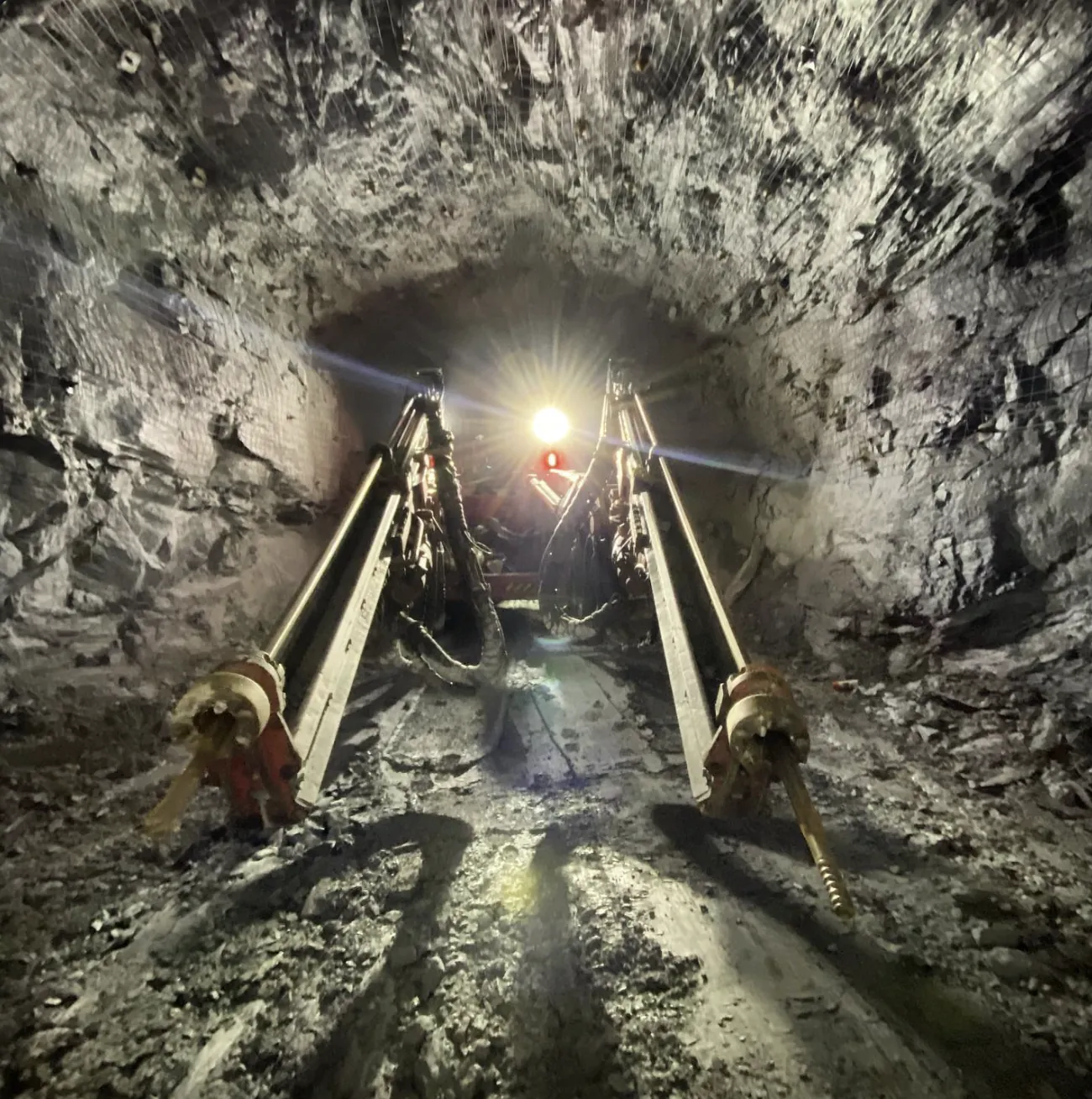
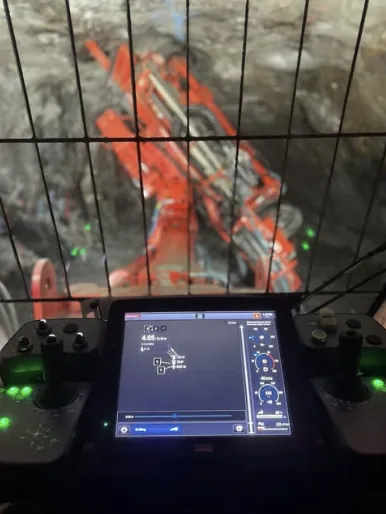
Most of Mining Toolkit started as a problem on shift. If something slows you down at the face, or a number you need isn't in the app yet, send it here.
Reference FR. Thanks for taking the time. If you left an email, we may follow up with a question.
For support, bug reports, feature suggestions or questions about a submitted Scoreboard result, contact Mining Toolkit Support.
Messages are read and answered as time allows. Support page
Mining Toolkit for iPhone and Android. Set it up once on surface, then use it anywhere.